Keeps posting while you build.
A Mac app that learns your voice from posts you already wrote, drafts new ones for Threads and X, and sends the ones you approve to the scheduler you already use.
14-day free trial. No card. macOS 14 or later.

Posts to Threads and X through Buffer, Typefully, Publer, Metricool or Postiz
Real posts from the Potluck Coordinator account.
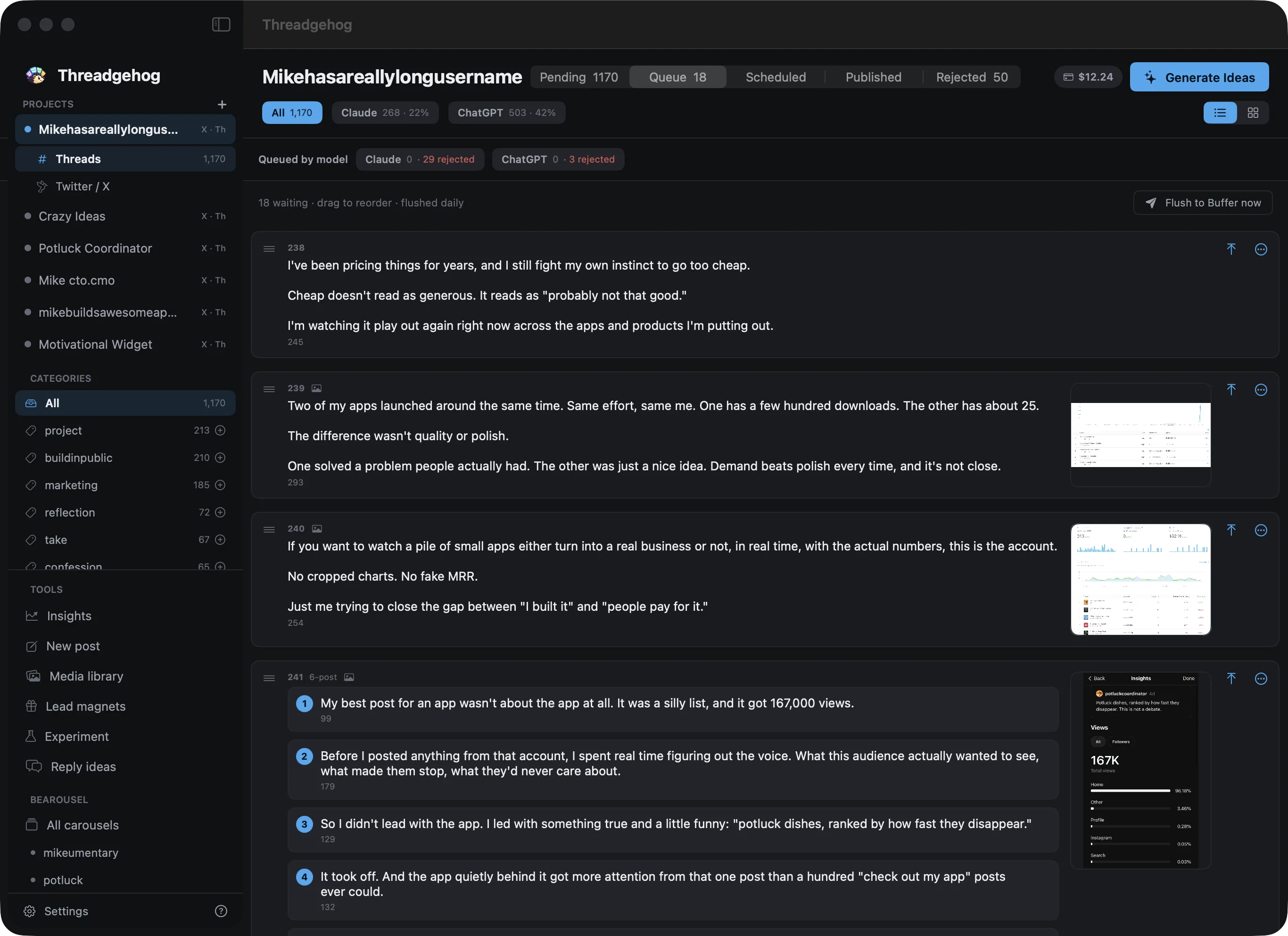
Every draft in one queue.
New drafts land in Pending. Approve the good ones into your queue, then send the queue to your scheduler.
How it works
Three steps from your old posts to a scheduled queue.

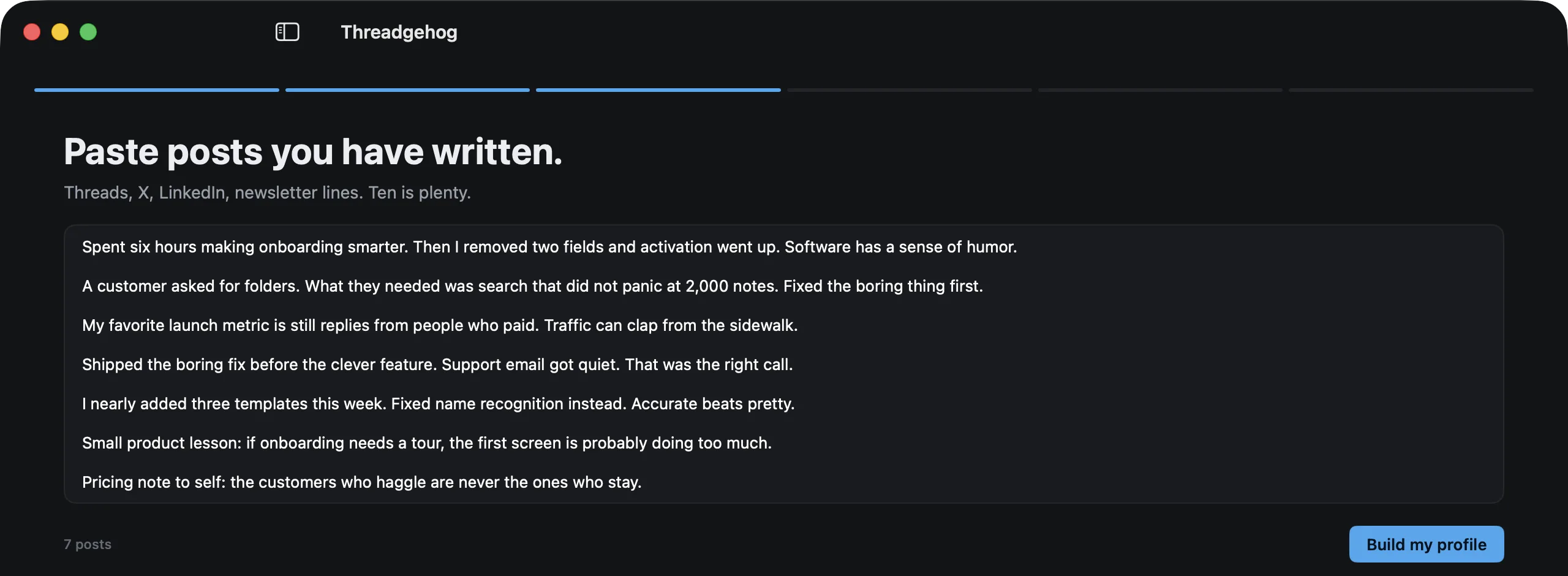
Paste ten posts you wrote.
Threads, X, LinkedIn, newsletter lines. It reads how you open, how you close and the words you never use.
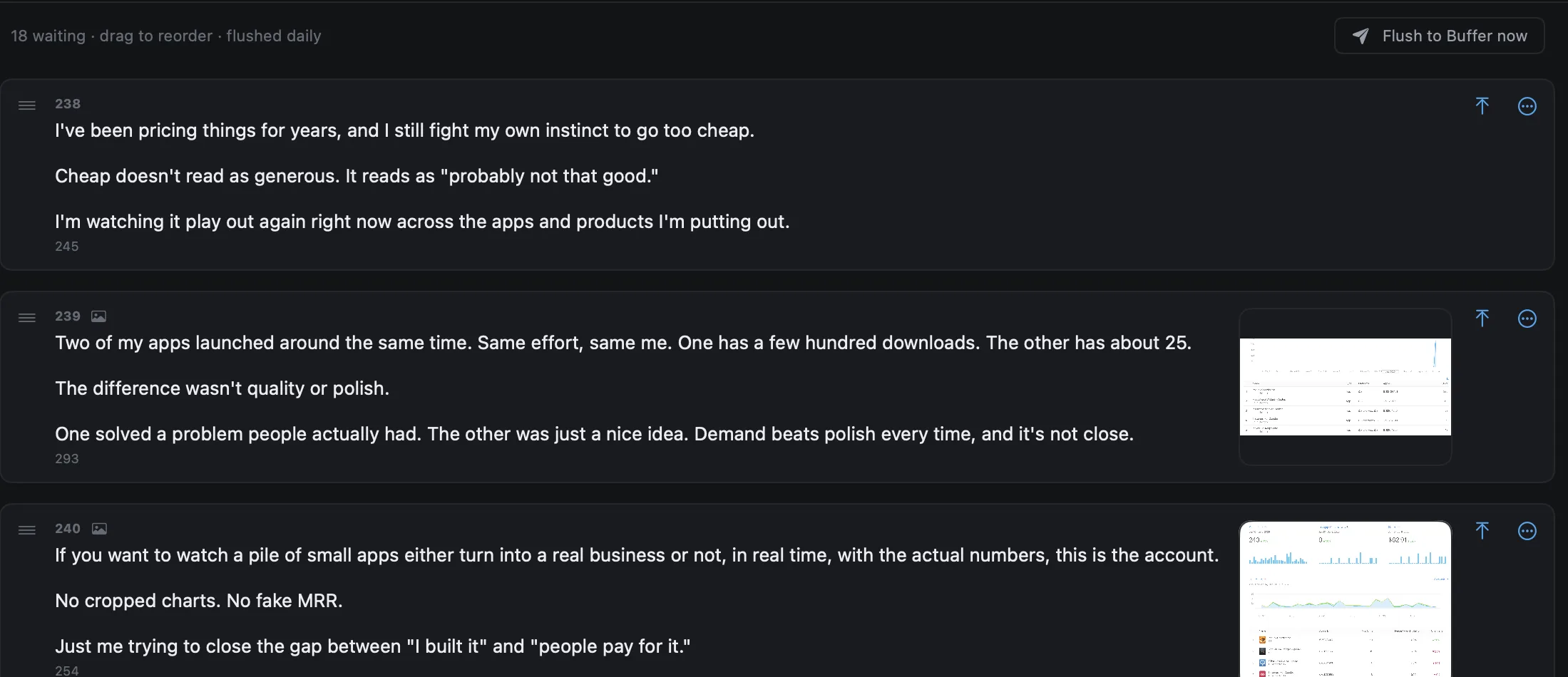
Click Generate Ideas.
Describe what you promote once. Every draft after that knows the product and sounds like you.
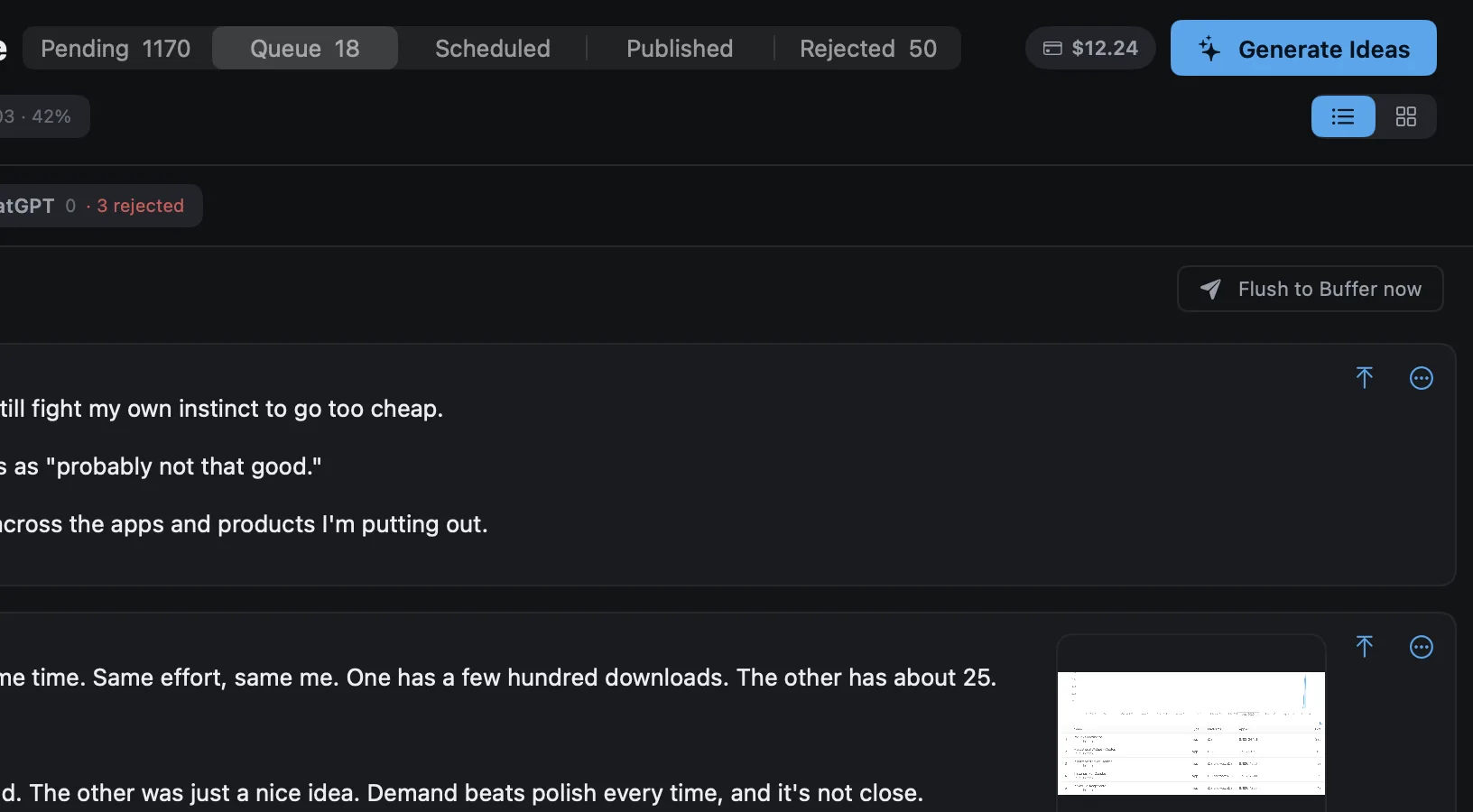
Approve. Your scheduler posts it.
Nothing goes out until you approve it. Drag the queue into order, then send it to Buffer, Typefully, Publer, Metricool or Postiz with one click.
Generic AI posts are worse than no posts.
Threadgehog studies ten posts you already wrote and keeps to what it finds: sentence length, how you open, how you close, the words you never use.
Generic AI
Potlucks are a wonderful way to bring people together! Remember to plan ahead, coordinate your dishes, and most importantly, have fun.
Threadgehog, in your voice
Made a dish nobody finished once. Brought it to the next three potlucks anyway. Told myself it was “growing on people.”
Pick a voice. Watch the queue fill up.
Three sample voices, written ahead of time. In the app, Threadgehog studies your own posts and uses your own AI account.
It learns from every yes and no.
Threadgehog keeps a record of every draft you approve and every one you reject, and writes the next batch from it.
Approved posts become examples.
Every time you ask for ideas, your ten most recent approvals go along as examples of what you keep.
Rejected posts count too.
Click Learn from results and it compares what you kept with what you turned down, then writes rules the next batch follows.
Your numbers steer the mix.
Post through Buffer and Sync pulls how each post did. Learn from results then writes more of the categories you approve and people react to, and fewer of the rest.

Pigs in a blanket are the most efficient food ever invented.
Soup is a drink. I will not be explaining myself.
Potato salad is not a side dish. It is the main dish that agreed to let the brisket feel important.
Layover meal. Talk me through it.
Freezer aisle item you'd defend in public?
Real posts from the Potluck Coordinator account.
Made for one person doing the marketing.
Several accounts, one queue each, and nothing posts without your approval.
Your voice, written down.
Sentence length, openers, closers and the words you never use. You can read every line of it.
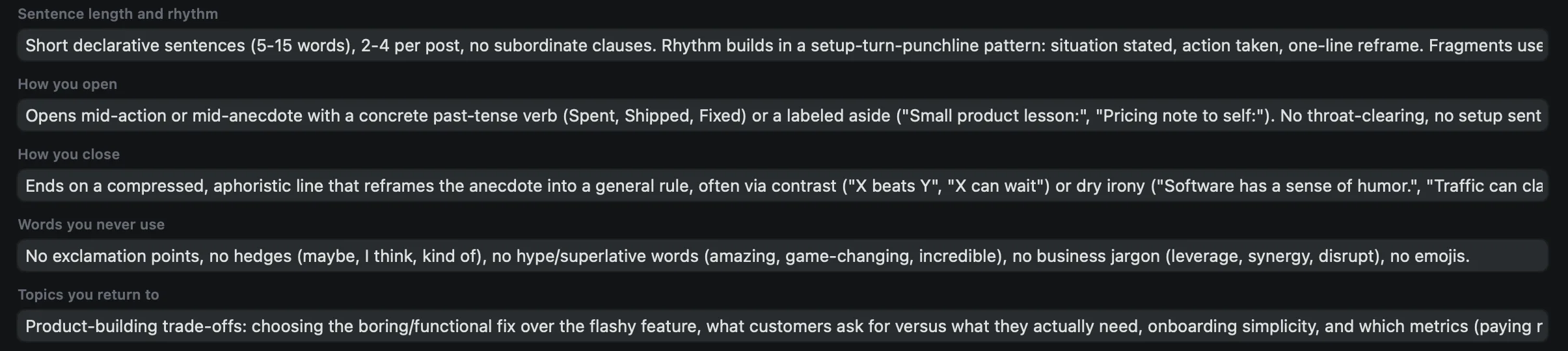
One queue per account.
Run several projects side by side, each posting to its own Threads and X.
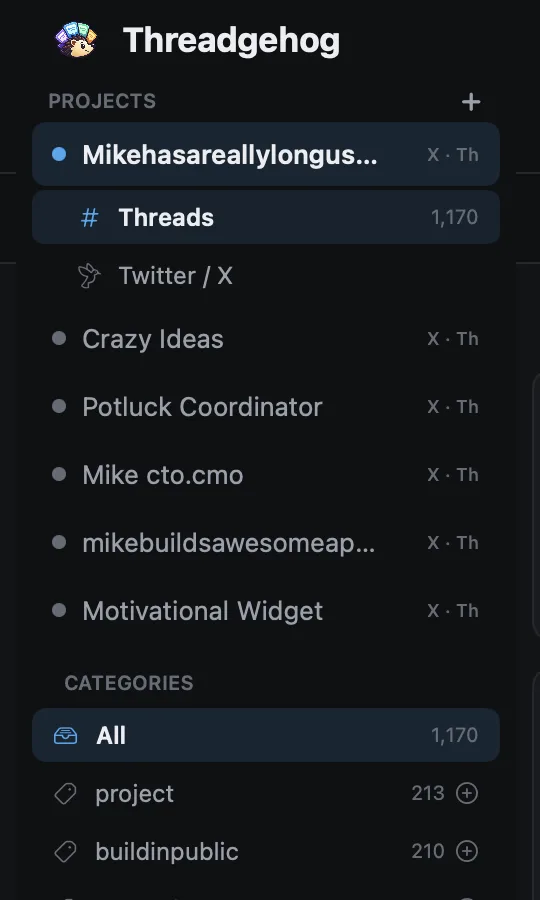
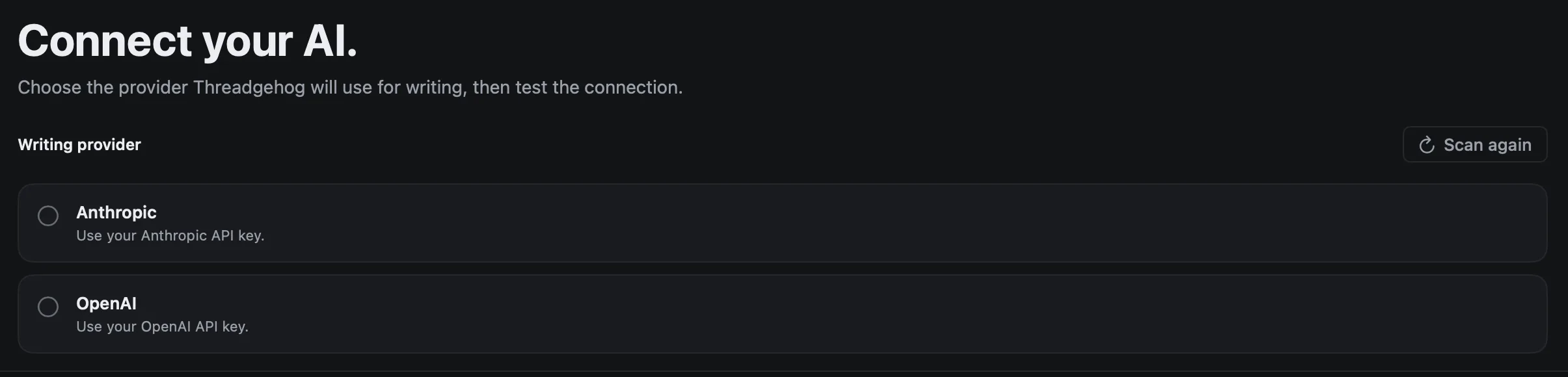
Your own Claude or ChatGPT key.
Drafts go to the provider you pick and come straight back. We store none of it.
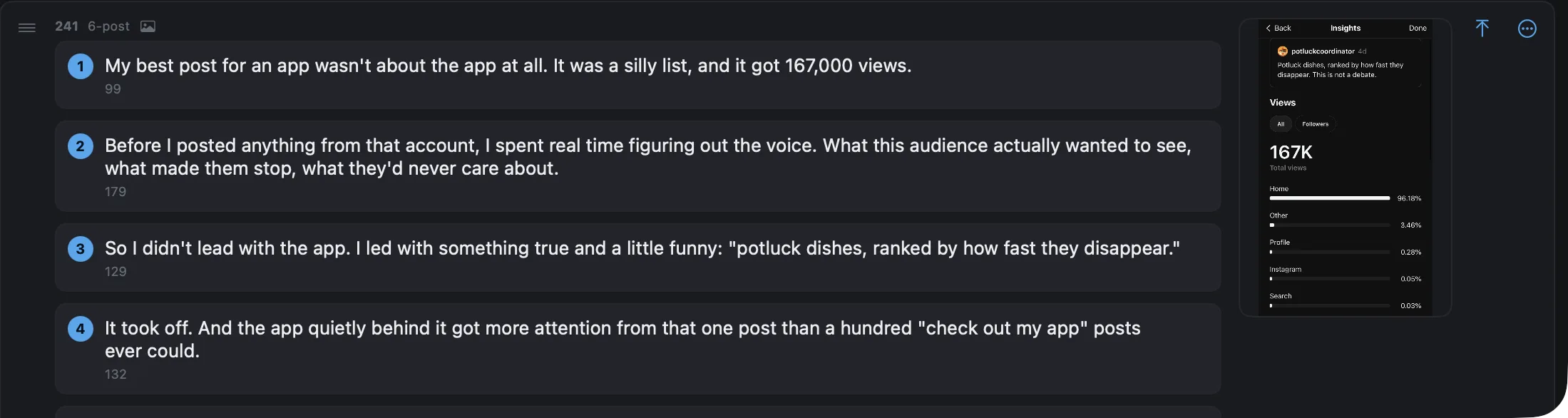
Threads, not only single posts.
Multi-post threads wait in the same queue as single posts, and go out as real threads through Buffer, Typefully and Postiz.
An X version of each Threads post.
Approve a post for Threads and it writes a version for X as well.
It knows what you promote.
Write a short brief once. Every batch of ideas is written with it.
Projects are plain files.
Export a project as a folder of Markdown and JSON, and import it on another Mac.
Keys stay in your Keychain.
Your API keys are stored in the macOS Keychain.
One price for the app. No per-post fees.
Every plan has every feature. Plans differ only in how many projects you run.
Solo
2 projects
$249 / year
$20 a month, billed yearly
Pro
10 projects
$649 / year
$54 a month, billed yearly
Best value
Unlimited
Unlimited projects
$799 / year
$66 a month, billed yearly
14-day free trial of Unlimited from inside the app, no card. Refunds within 14 days of purchase.
Questions before you install
What does Threadgehog run on?
macOS 14 or later. It supports both Apple silicon and Intel Macs. One seat activates one Mac.
How does the free trial work?
Open the app and type your email address. We mail you a trial key, usually within a minute. Paste that key into the app and every feature works for 14 days, with no card. If the mail does not arrive, check your spam folder and click Send it again next to the key field. Each Mac gets one trial, and asking again sends the same key, so reinstalling does not use it up.
Do I need my own AI key?
Yes. Connect an Anthropic or OpenAI API key. When Threadgehog writes, it sends the text being written, your voice profile, and that key through our generation server to the provider you picked, and sends the draft back. We store none of it, and our logs keep request ids and timings only. Your drafts, queue, media, and publishing stay on your Mac. You pay the provider directly, so Threadgehog charges nothing per post. The website itself makes no AI calls.
How does publishing work?
Connect the scheduler you already use: Buffer, Typefully, Publer, Metricool or Postiz. Threadgehog sends the posts you approve to it, and the scheduler posts them to Threads and X on its own schedule. Buffer, Typefully and Postiz post multi-post threads as threads. Publer and Metricool take single posts, so a short thread is joined into one post and a long one stays in Pending.
Does it learn from my results?
Yes, in two ways. Your ten most recent approved posts go along as examples every time it writes. And when you click Learn from results, it compares what you approved with what you rejected and writes rules for the next batch. If you post through Buffer, it weighs in how each post did as well.
What is the refund policy?
Ask within 14 days of purchase by emailing support@threadgehog.com. We will refund the purchase.
What does lifetime include?
The lifetime license lets you keep using the version you bought forever. It includes product updates released during the first two years.
How many Macs can I use?
One Mac per seat. A key comes with one seat unless you pick more at checkout, and annual and lifetime take up to 10. To move to a new Mac, open the app on the old Mac, open Settings, click License, then click Deactivate this Mac. You can also do it yourself on the account page at /account. If the old Mac is gone, email support from the address you used at checkout and we will free the seat.
Can I buy seats for my team?
Yes, on the annual and lifetime plans. Pick the number of seats on the Stripe checkout page, from 1 to 10. Each seat is one Mac and costs the plan price. You get one key that covers them all, and the account page shows how many Macs are on it.
Do you take promo codes?
Yes. Type it in the promo code box on the Stripe checkout page and the discount comes off before you pay.
Try it on your own posts.
Download it, paste ten posts, and read the first drafts tonight.
Download for Mac14-day free trial. No card. macOS 14 or later.